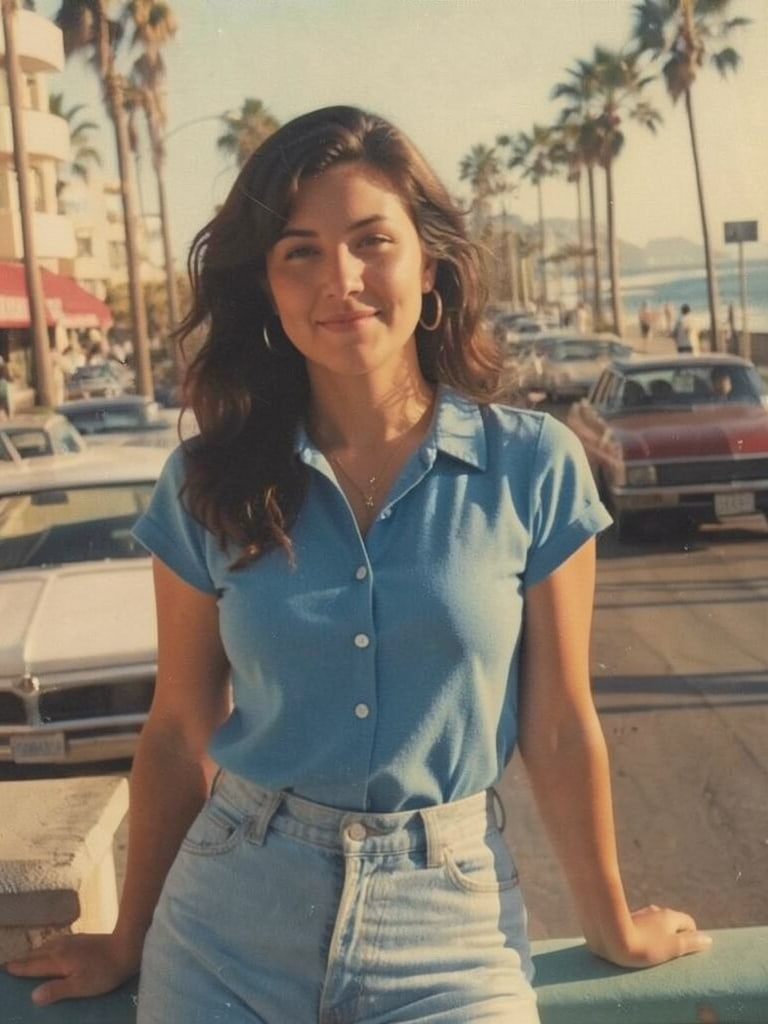
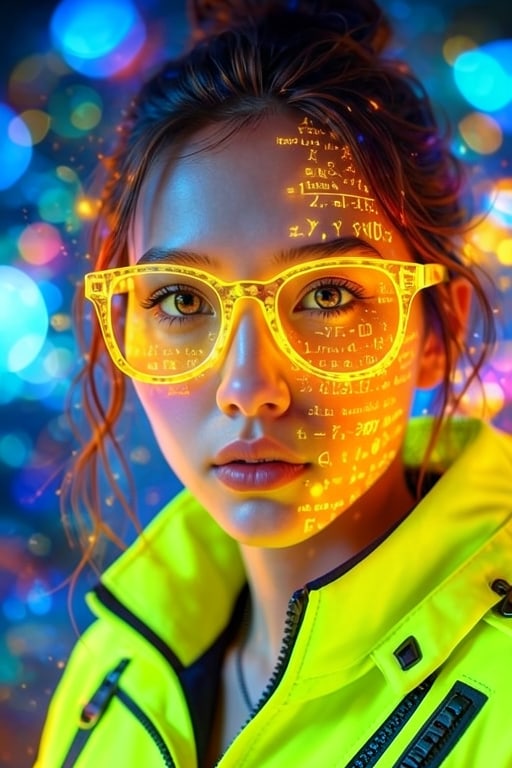
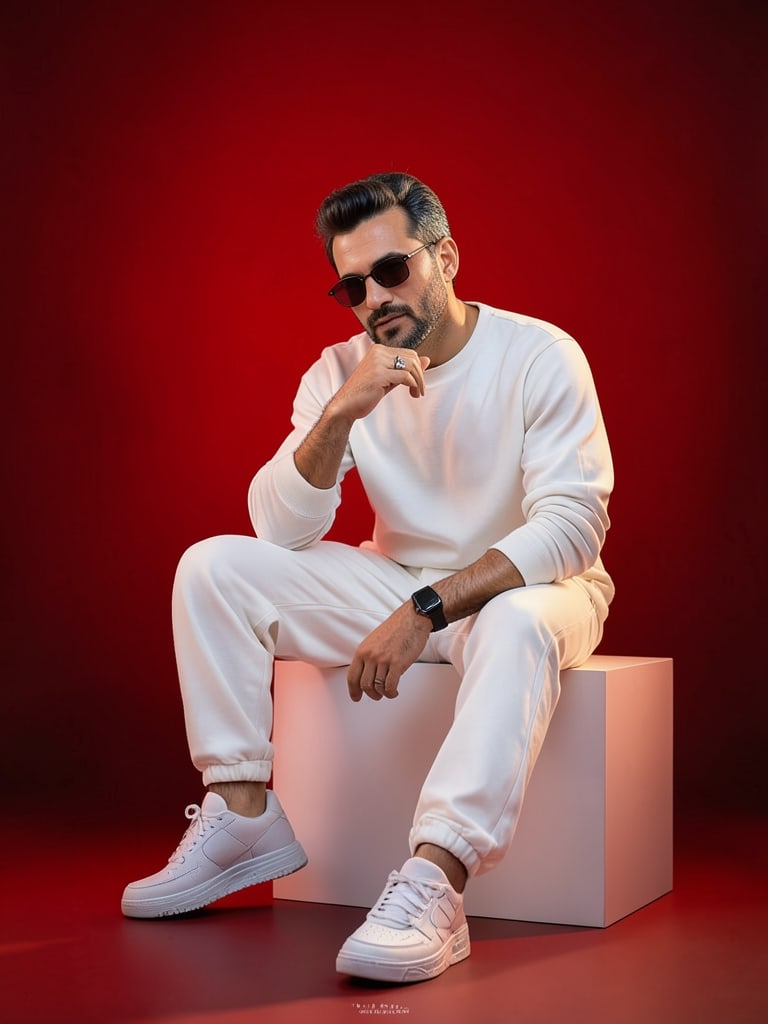
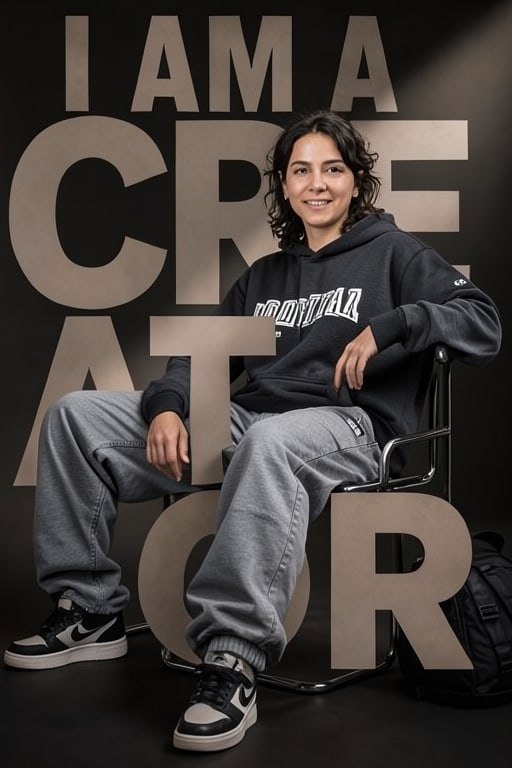
Trash Polka Artistic Side Profile
Transforms a reference photo into a high-contrast trash polka art piece featuring abstract geometric overlays and technical schematics, ideal for striking modern portraits.
Prompt
{ "meta": { "image_quality": "High", "image_type": "Mixed Media (Trash Polka Art)", "reference_image_usage": "Use the uploaded reference strictly to preserve the person's identity. Do not modify the face, hair, or facial hair whatsoever.", "resolution": "High resolution, sharp focus", "style_consistency": "Strict" }, "subject": { "identity_lock": { "face": "Must stay entirely identical to the source image", "hairstyle": "Must stay entirely identical to the source image", "beard": "Must stay entirely identical to the source image" }, "pose": "Lateral profile perspective", "accessories": { "glasses": { "type": "Circular sunglasses", "modification": "Permitted, provided the underlying bone structure is unaffected" } } }, "art_style": { "primary_style": "Trash Polka", "base_layer": "Monochrome realistic photography", "blend": "Striking abstract graphic components superimposed onto the photographic foundation", "textures": [ "Distressed grunge texture", "Mixed media collage texture" }, "graphic_elements": [ "Bright orange geometric forms", "Bright red geometric forms", "Technical blueprint vectors", "Schematic technical illustrations" ], "contrast": "Bold and stark" }, "background": { "style": "Technical abstract collage", "elements": [ "Blueprint drafting lines", "Schematic schematics" ], "color_palette": "Mostly black and white featuring crimson and tangerine highlights" }, "lighting": { "type": "Dramatic cinematic illumination", "effect": "Amplifies tonal contrast and spatial depth" }, "aesthetic": { "focus": "Tack sharp", "mood": [ "Cinematic", "Magazine editorial", "Fine art collage" ] }, "restrictions": [ "Do not alter the bone structure", "Do not alter the hair arrangement", "Do not alter the facial hair", "Do not embellish or idealize the visage away from the reference", "Avoid smooth digital painting finishes" ] }Placeholders: ["Grunge texture", "Collage texture"]
How to use
Replace ["Grunge texture", "Collage texture"] with your own subject, then paste the prompt into Midjourney. Keep the lighting, lens and style section intact — that is what gives the look.
Use case
Illustration & Concept Art — reference, image
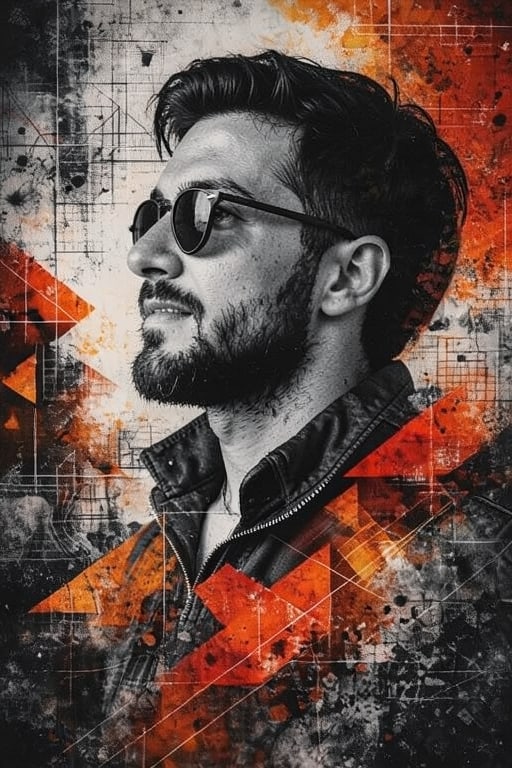 image / Flux
Studio tools
AI Optimizer
Improve, shorten, expand or retarget this prompt for another image or video model. Every result is saved as a new version — the original is never overwritten.
Improve prompt
Produces optimized, concise, detailed, beginner and model-specific versions.
Generate variations
Professional, creative, cinematic, minimal and advanced.
Prompt history
- v1 · Original1 month ago